
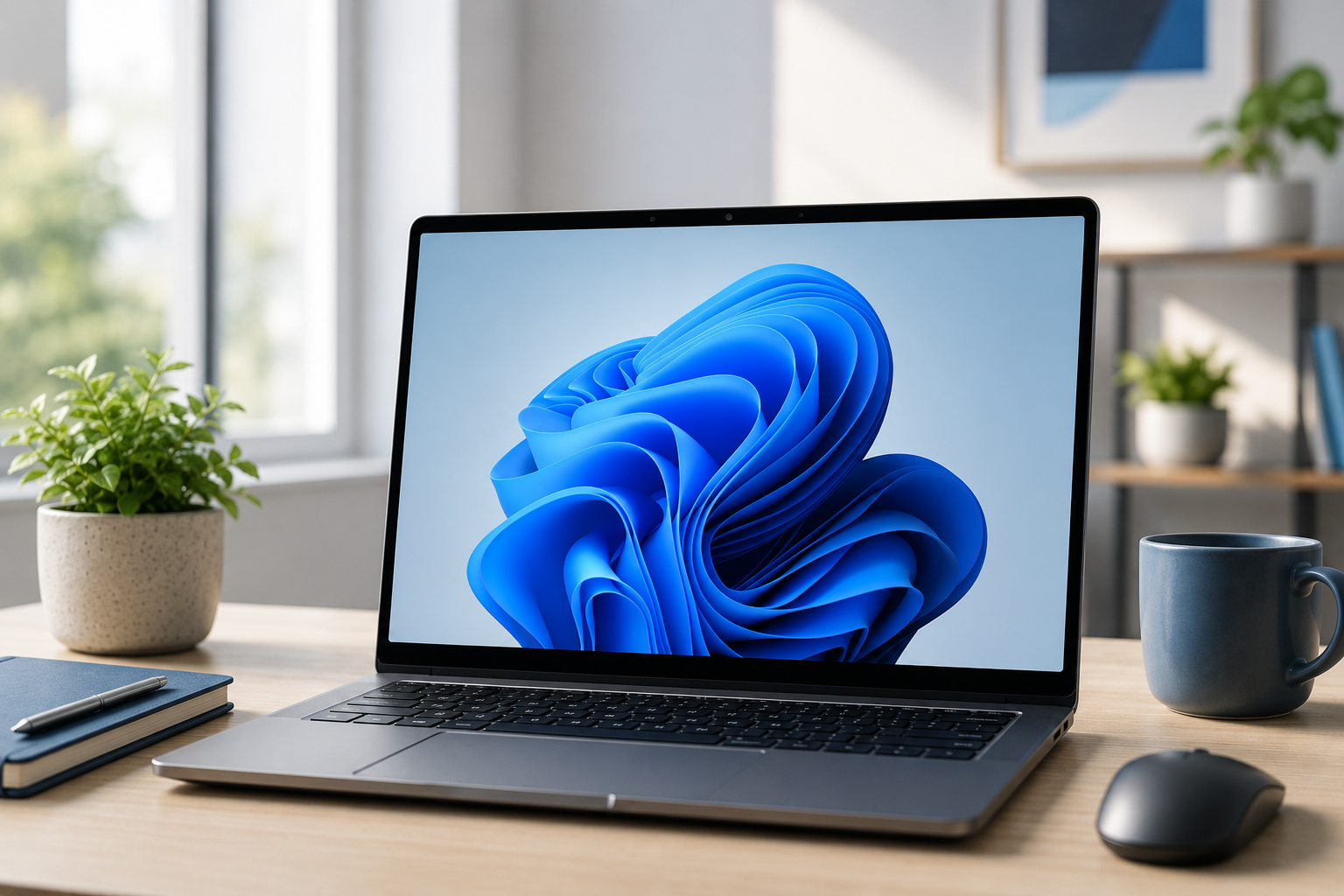
Windows 11 has now become Microsoft’s standard operating system for both home and business users. With support for Windows 10 having ended in October 2025, many organisations and individuals have already made the move, while others are now planning their upgrade path.
The Giraffe team take a look at what Windows 11 offers, what has changed since Windows 10, and some of the features that can genuinely make day-to-day work easier.
Can I still upgrade for free?
In many cases, yes. If your PC already ran a licensed version of Windows 10 and met Microsoft’s hardware requirements, the upgrade to Windows 11 was available free of charge.
The bigger question for many users was not the cost, but whether their existing device was compatible. Windows 11 introduced stricter security and hardware requirements than previous versions of Windows. Older PCs, particularly those over five or six years old, often could not officially support the upgrade.
For businesses, this became an important consideration when planning hardware refreshes and IT budgets.
What changed in Windows 11?
The first thing most users noticed was the updated design. Windows 11 introduced a cleaner, more modern appearance with softer edges, refreshed icons and a centred Start menu.
While this looked quite different at first, Microsoft kept the overall experience familiar enough that most users adjusted quickly. The aim was clearly to create a more streamlined and less cluttered workspace.
The Start menu itself was simplified. The old Live Tiles from Windows 10 disappeared, replaced with pinned applications and recently used files. Search also became much faster and more reliable, helping users find documents, settings and programs quickly without digging through menus.
Microsoft Edge continued as the default web browser and improved significantly in speed, compatibility and security compared to the older Internet Explorer days.
Better for hybrid working
One area where Windows 11 improved considerably was support for hybrid and flexible working.
Users moving between home and office setups found multi-monitor support far smoother than before. Windows remembered where applications were positioned when docking and undocking laptops, which saved a surprising amount of frustration.
Microsoft Teams was also integrated directly into Windows, making video calls, messaging and collaboration easier to access for many users.
Cloud integration became more seamless too, particularly for organisations already using Microsoft 365 and OneDrive. Files synchronised more reliably across devices, allowing users to move between desktop PCs, laptops and mobile devices more easily.
What about security?
Security was one of Microsoft’s biggest focuses with Windows 11.
Many of the stricter hardware requirements were introduced specifically to improve protection against modern cyber threats. Features such as TPM 2.0, Secure Boot and virtualisation-based security helped devices defend against ransomware, malware and credential theft far more effectively than older systems.
Windows Hello also continued to improve, allowing users to sign in using facial recognition, fingerprints or PINs instead of traditional passwords, depending on their hardware.
Regular security updates remained built in, helping supported devices stay protected against emerging threats without requiring users to manually install patches themselves.
For businesses in particular, Windows 11 represented a major step forward in default security protection.
Handy features you may not know about
Although Windows 11 introduced plenty of visual changes, some of the most useful improvements were smaller features that made everyday tasks quicker and easier.
Snap Layouts became one of the standout additions. By hovering over the maximise button on a window, users could instantly arrange applications into organised layouts on the screen. This made multitasking much easier, especially on larger monitors.
Virtual Desktops also improved significantly. Users could create separate desktops for different tasks, such as work, personal use or projects, helping reduce clutter and distractions.
Clipboard history became another genuinely useful tool. By pressing Windows Key + V, users could access previously copied text and images instead of only the most recent item.
Voice typing also improved dramatically. Users could dictate emails, notes and documents much more accurately than in previous Windows versions, making accessibility and hands-free working better than ever.
The updated File Explorer was cleaner and easier to navigate, while the redesigned Settings menu made it simpler to find common options without digging through the old-style Control Panel menus.
Is Windows 11 worth it?
For most users, Windows 11 felt less like a complete reinvention and more like a polished evolution of Windows 10.
The core experience remained familiar, but improvements to security, performance, multitasking and collaboration made everyday use smoother and more efficient.
Businesses benefited from stronger security and better support for modern working practices, while home users generally appreciated the cleaner design and improved usability.
Now that Windows 10 support has ended, upgrading is no longer simply about accessing new features. It is increasingly about staying secure, supported and compatible with modern software and services.
For anyone still running older hardware, now is a good time to review device compatibility and start planning future upgrades before unsupported systems begin creating security and reliability risks.
