


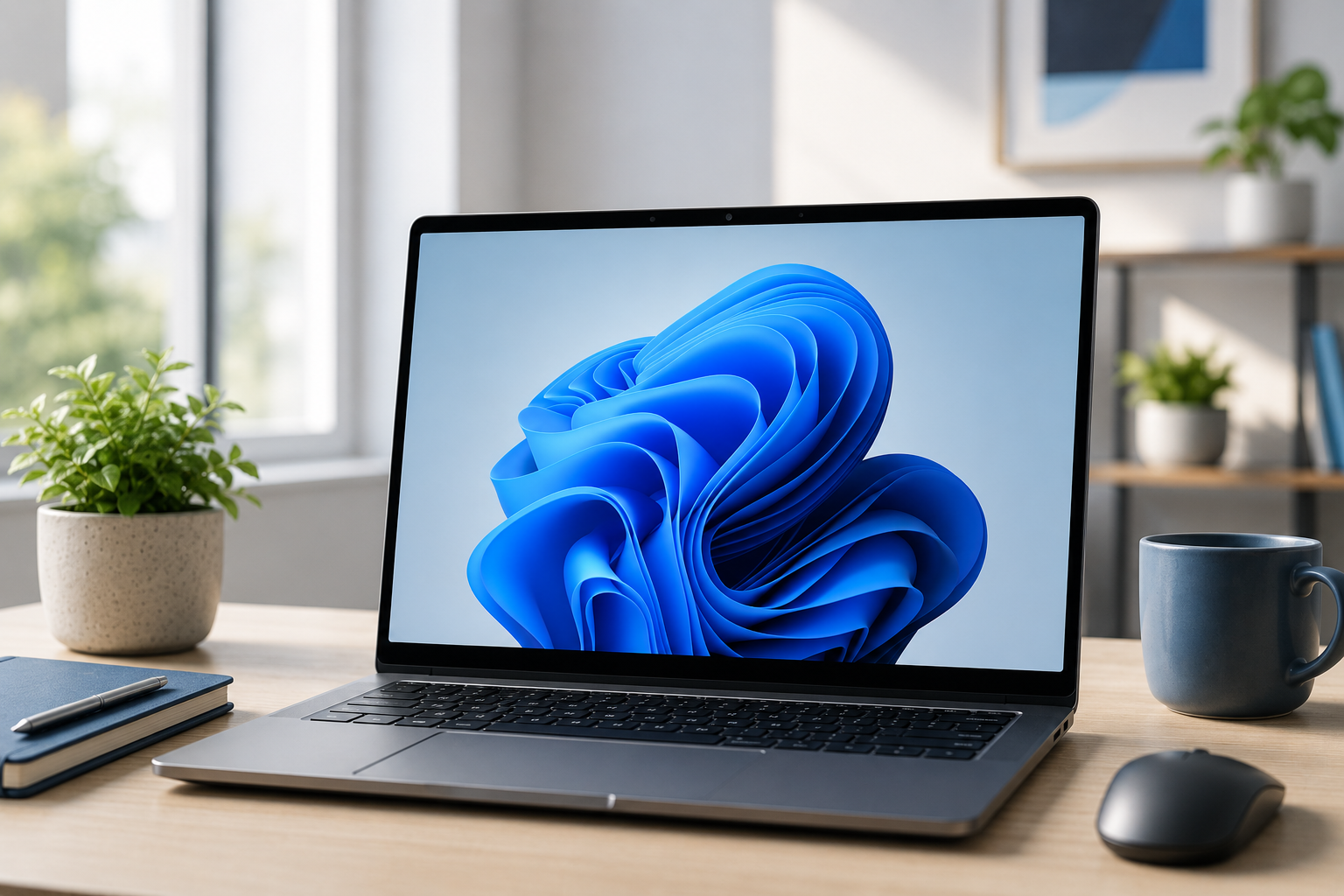
With Windows 11 now firmly established as Microsoft’s latest operating system, the Giraffe team take a look at what you need to know about the upgrade and whether it’s time to make the move.
How much does it cost?
Much like Windows 10 before it, Windows 11 is available as a free upgrade for many existing Windows 10 users. If your PC meets Microsoft’s hardware requirements and is already running a licensed version of Windows 10, you can upgrade without paying anything extra.
However, there is one important catch this time around: not every older PC is compatible. Windows 11 has stricter hardware requirements, including support for TPM 2.0 and newer processors. If your machine is more than a few years old, it may not officially support the upgrade.
Can my PC run it?
Before getting too excited, it’s worth checking compatibility. Microsoft provides a “PC Health Check” tool which quickly tells you whether your device is ready for Windows 11. In general, most modern business PCs and laptops purchased within the last few years should work perfectly well, but older systems may struggle to meet the requirements.
What’s new?
The first thing most people notice is the fresh new design. Windows 11 introduces a cleaner, more modern appearance with rounded corners, updated icons and a centred Start menu. While this takes a little getting used to, it creates a tidier and more streamlined desktop experience.
The Start menu itself has been simplified. Live Tiles have disappeared and have been replaced with pinned applications and recently used files, making it easier to find what you need quickly. The search function has also been improved, helping you locate documents, settings and applications much faster.
Microsoft Teams is now integrated directly into Windows 11, making video calls and messaging more accessible for both work and personal use. Widgets have also returned, giving you quick access to news, weather, calendar items and other useful information at a glance.
Another major improvement comes in the form of better multitasking features. Snap Layouts and Snap Groups allow you to organise multiple windows neatly across your screen, which is especially useful if you regularly work with several applications at once.
Microsoft Edge continues as the default browser and has seen significant improvements in speed, efficiency and compatibility. It also integrates tightly with Microsoft 365 and cloud services.
What about gaming?
Microsoft has continued to strengthen the connection between Windows and Xbox. Windows 11 includes gaming enhancements such as Auto HDR and DirectStorage, helping supported games load faster and look even better. Xbox Game Pass integration is also built directly into the operating system, making it easier for gamers to access their libraries and cloud gaming features.
What about security?
Security has been one of Microsoft’s biggest focuses with Windows 11. The stricter hardware requirements are partly designed to improve protection against modern cyber threats. Features such as TPM 2.0, Secure Boot and virtualisation-based security help keep devices safer by default. Windows Hello also continues to improve, allowing users to log in using facial recognition, fingerprints or PINs instead of traditional passwords, depending on the hardware available on the device. Regular security updates remain included for supported devices, helping businesses and home users stay protected against emerging threats.
Anything else?
Yes! Windows 11 has been designed with hybrid working very much in mind. Better support for multiple monitors means windows remember where they were when docking and undocking laptops, making life much easier for users moving between the office and home.
Touchscreen, stylus and voice controls have also been improved, particularly for tablet and 2-in-1 devices. Android app support has even been introduced through the Amazon Appstore on supported systems, helping bridge the gap between mobile and desktop working.
Overall, Windows 11 feels like a more polished and refined version of Windows rather than a complete reinvention. Microsoft appear to have focused on improving usability, security and productivity without dramatically changing how people work day-to-day.
For businesses still using Windows 10, it is also worth remembering that general Microsoft support for Windows 10 ended in October 2025. That means organisations which have not yet upgraded should now be planning device replacements and migrations to ensure they remain secure and supported.